How it works
A day on Navwell
Whether a practitioner assigned the plan or you picked it yourself, the day looks the same: open Today, do the blocks, talk to the coach, watch the trend.
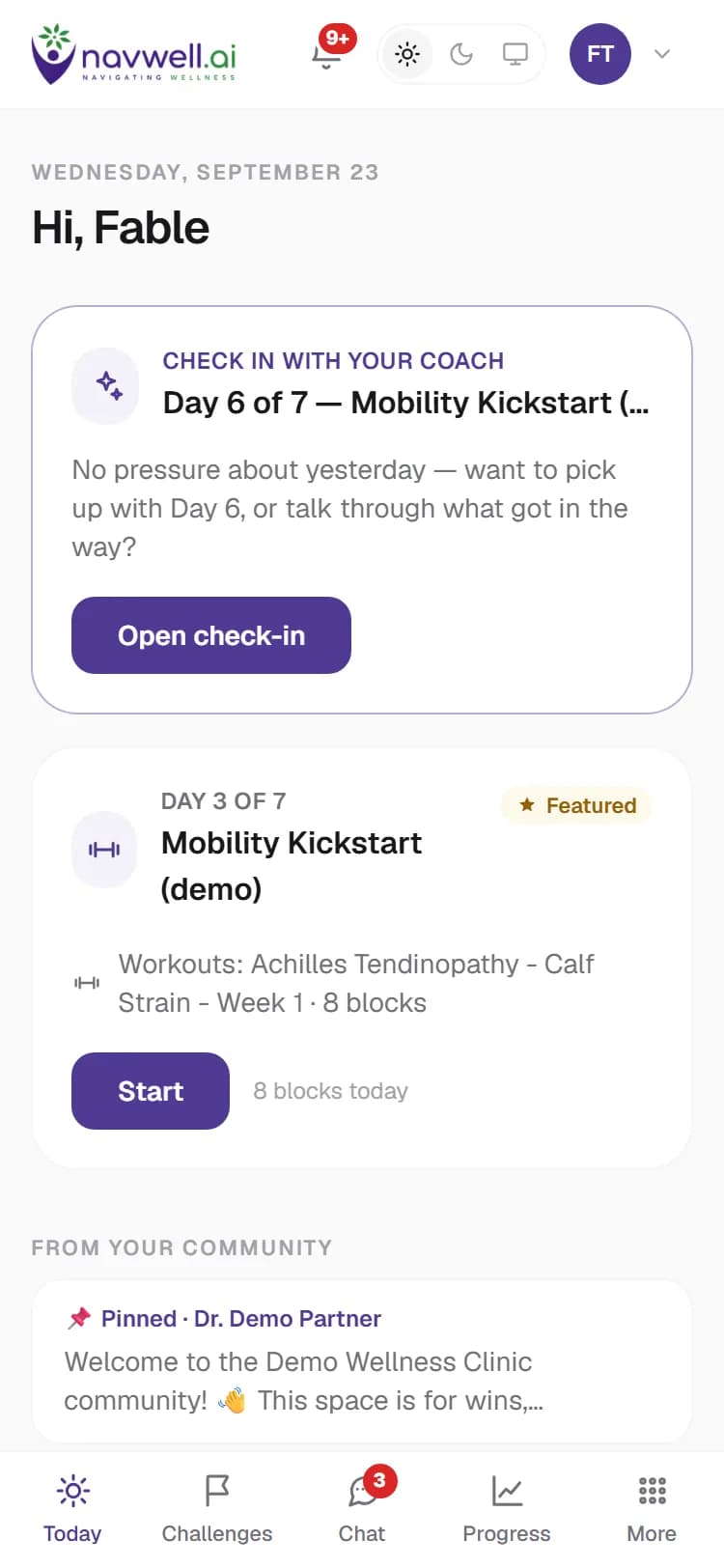
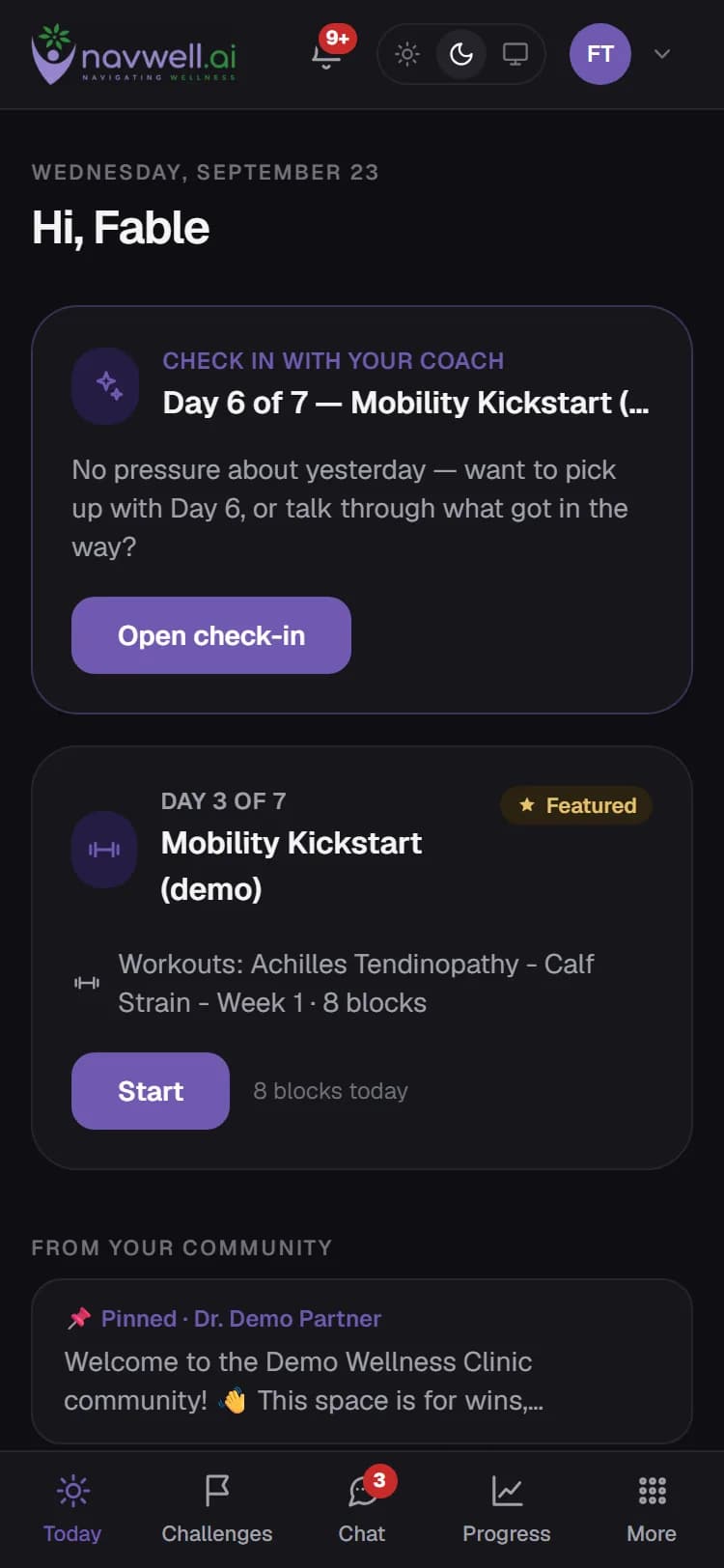
Today tells you what to do
Today is the home screen: the current day of your featured challenge with its workout, meal and mindfulness blocks, your streak, and the coach's check-in. A challenge has a start and an end date; you can work ahead when your practitioner allows it.
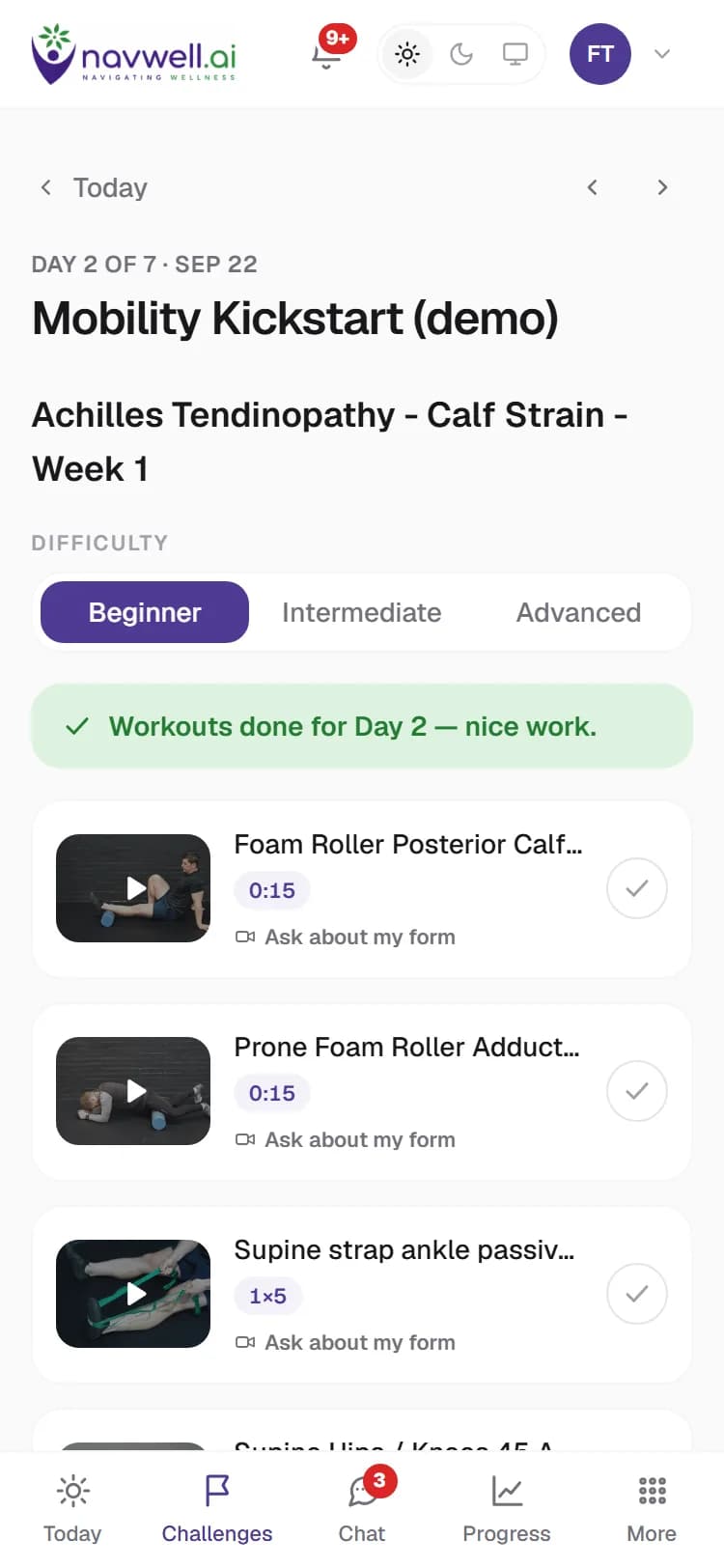
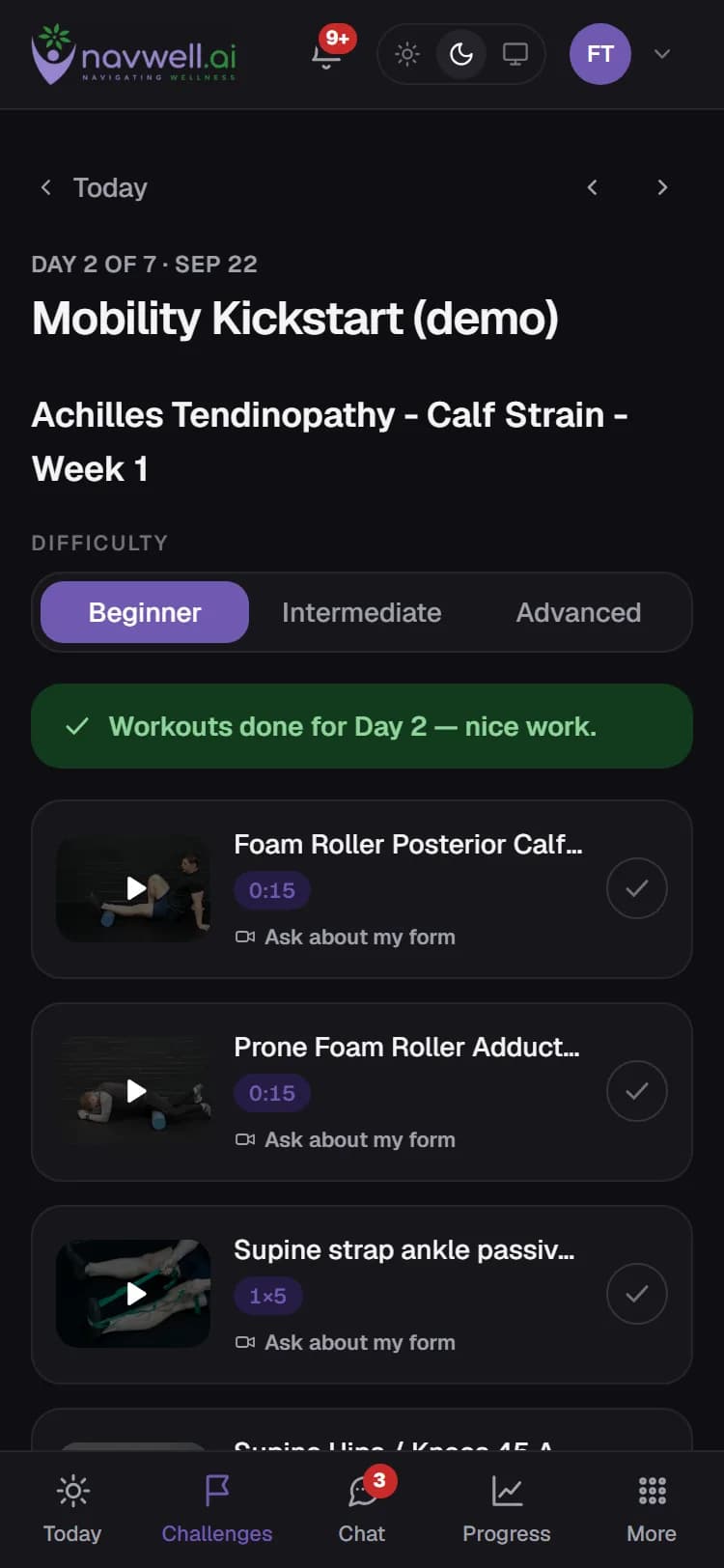
The player shows exactly how
Each exercise plays with its prescription on screen — sets, reps, holds — and a difficulty picker when the program offers variants. Meals and meditations are laid out as sections you tick off as you go. Videos stream from Navwell's own player.
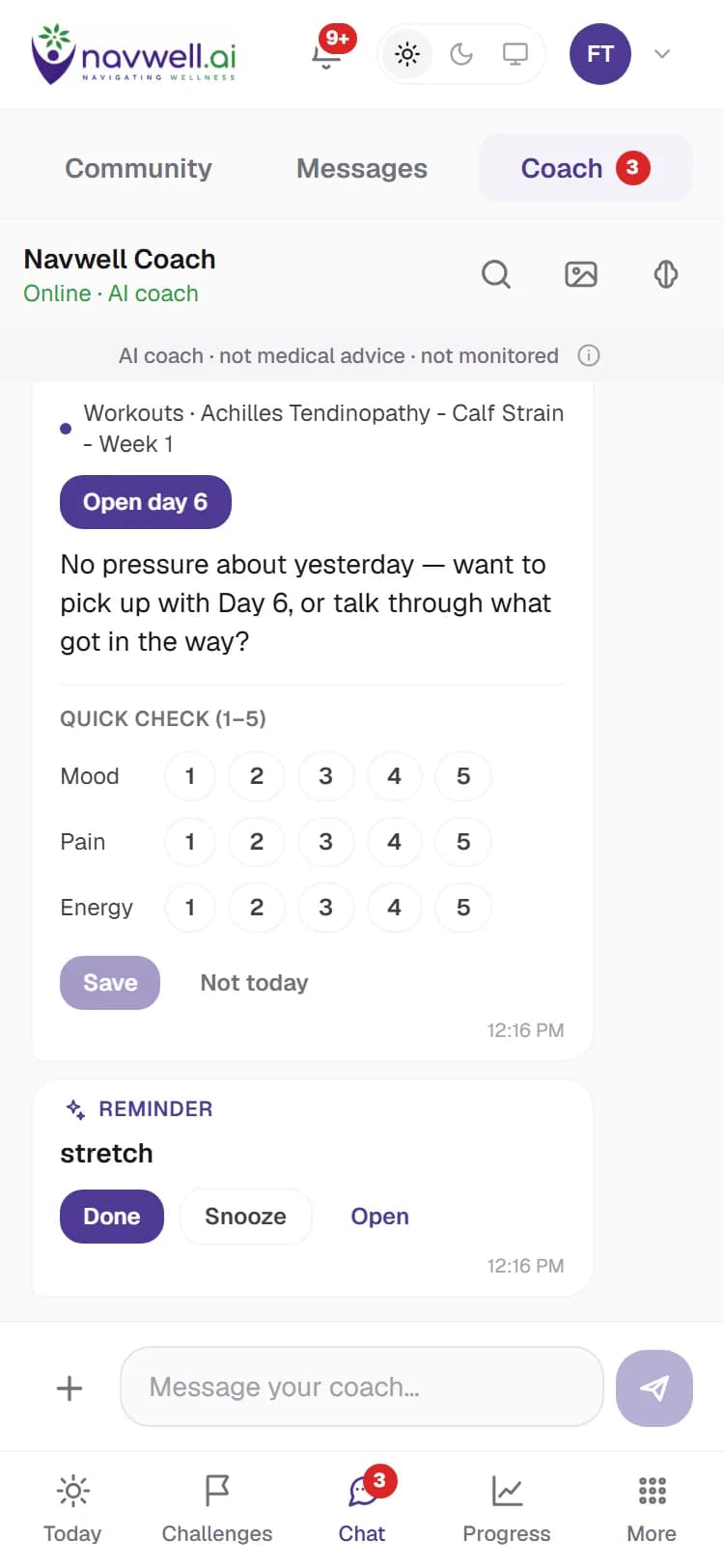
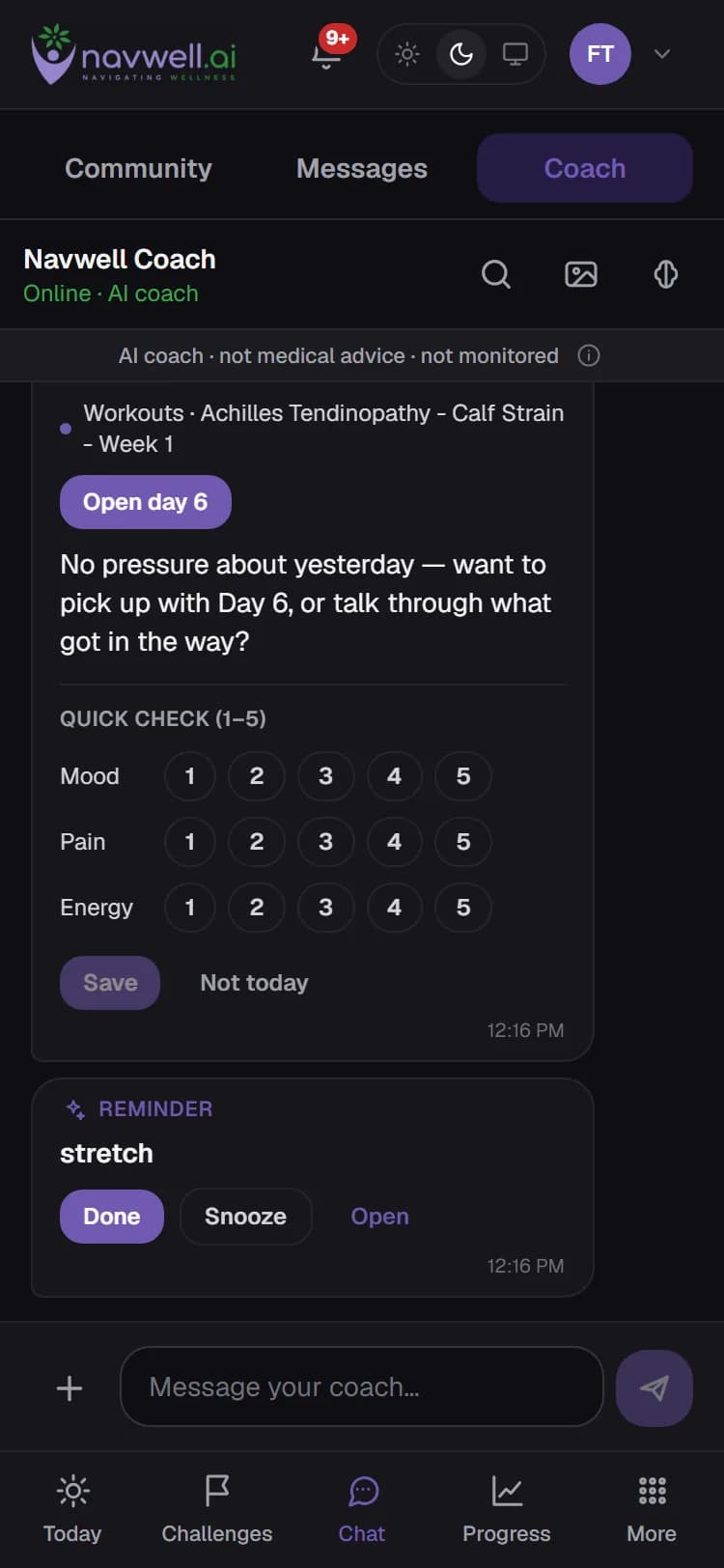
The coach checks in, every day
The AI health coach knows your featured challenge and what you completed, and writes to you once a day. Ask it about the plan, send a photo of a meal for a rough nutrition estimate, record a voice note, or set a reminder. If you connect WhatsApp, it can nudge you there too — without any health details in the message.
It is an AI assistant, not a medical professional. It will say so, keep to the plan, and hand you to your practitioner — or to real-world help — when that is the right thing.
Progress shows what changed
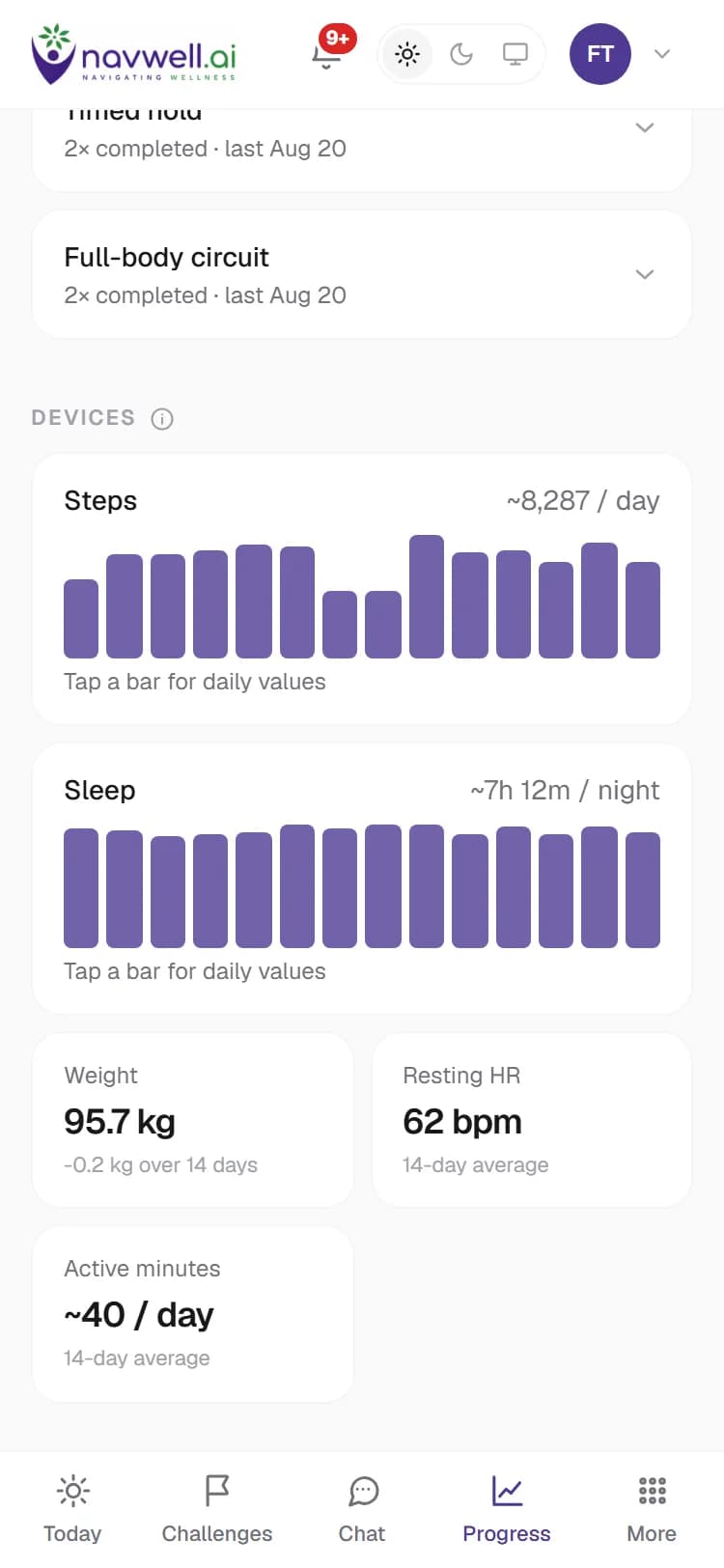
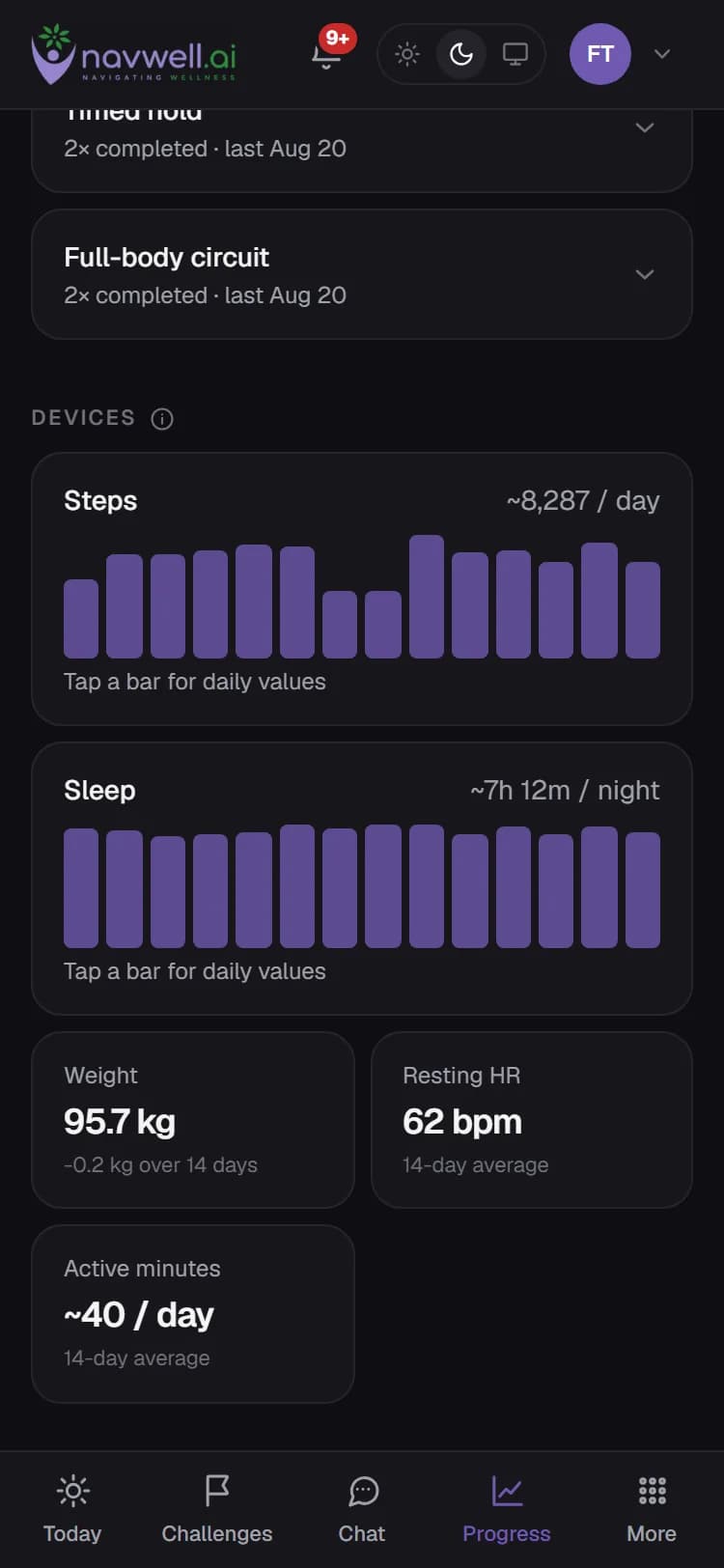
Completion and streaks for the challenge, a result score from the questionnaires you answered before and after, and — if you connected a device — steps, sleep, resting heart rate and weight over time.
Your practitioner sees the plan, not your private life
In a practitioner's community they see your challenges, completion, outcome scores and device trends, and you can message them directly. Your coach conversations, meal photos and health records stay private unless you share a specific one with them.