

For practices
The care plan your patients actually follow
Chiropractors, physiotherapists, health coaches and nutritionists use Navwell to keep patients doing the work between appointments — and to see whether it worked.
Open your community and invite patients
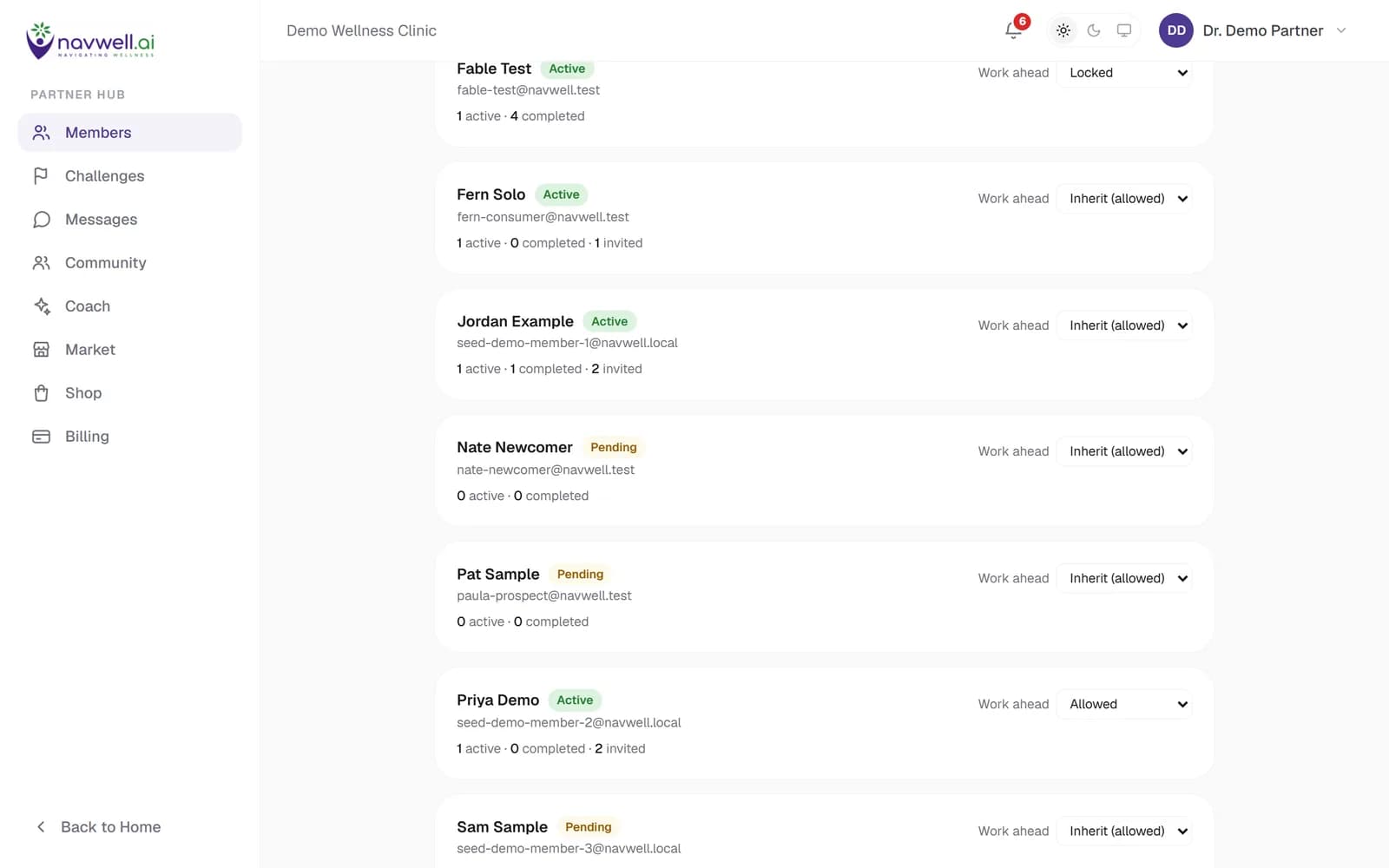
Your community is a branded home for your patients and clients. Invite by link or by email; someone who already has a Navwell account sees exactly what you will be able to see before they join. The roster shows every member's status, active and completed challenges, and whether they may work ahead of the calendar.
Onboarding is per practice: before a practice invites its first patient it accepts Navwell's practice terms and a Business Associate Agreement — both are being finalised with counsel.
Build programs from your content or the Navwell library
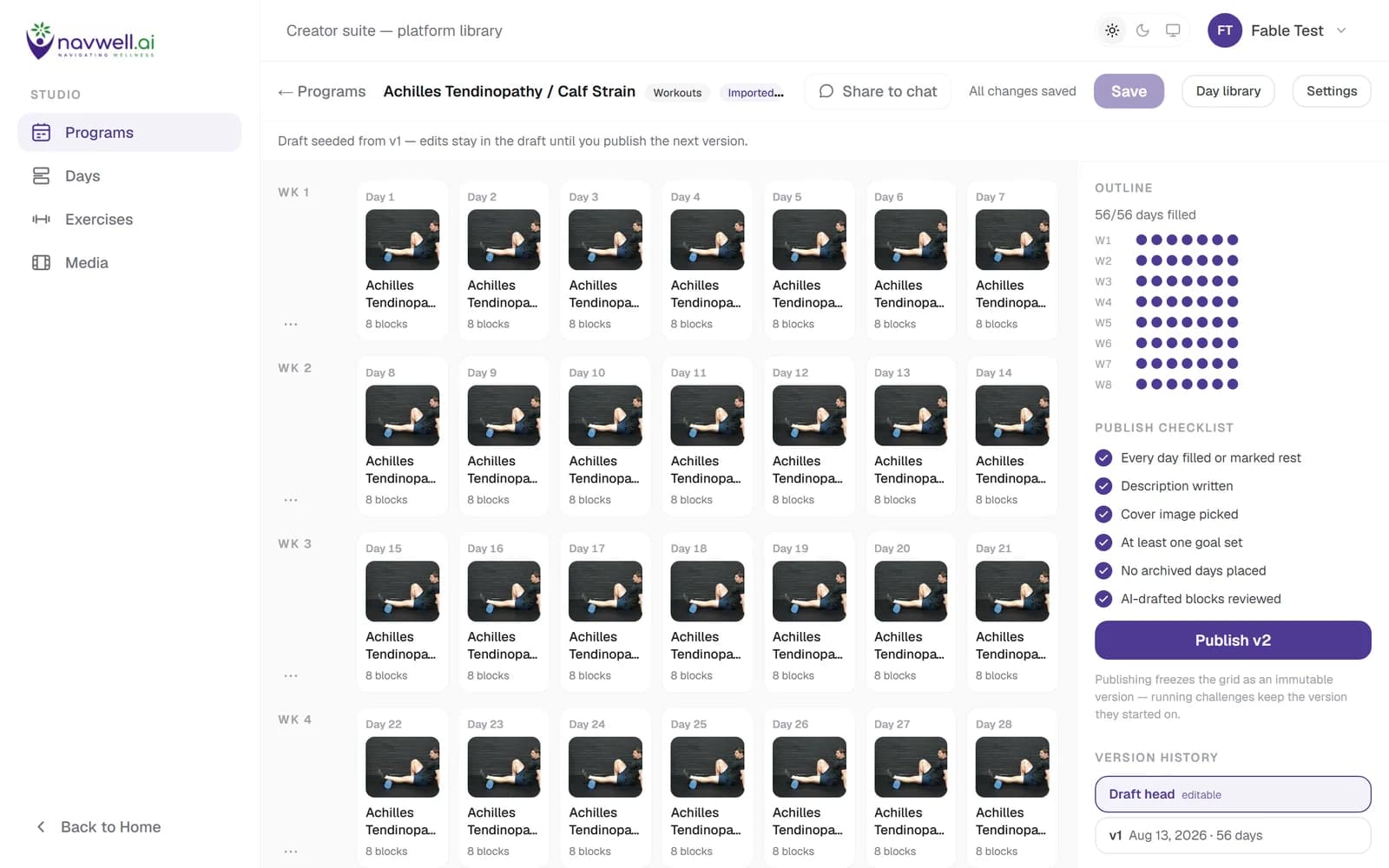
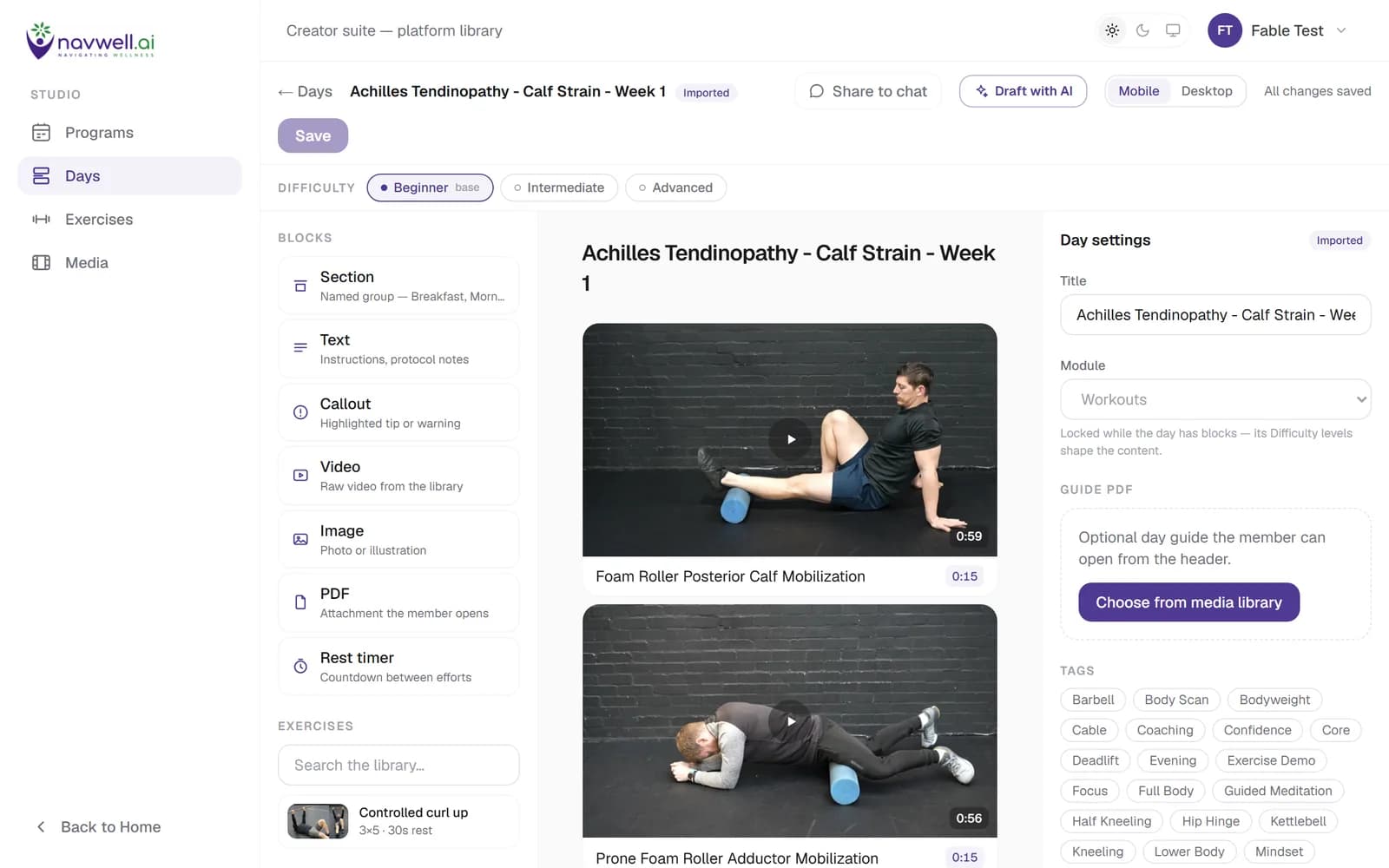
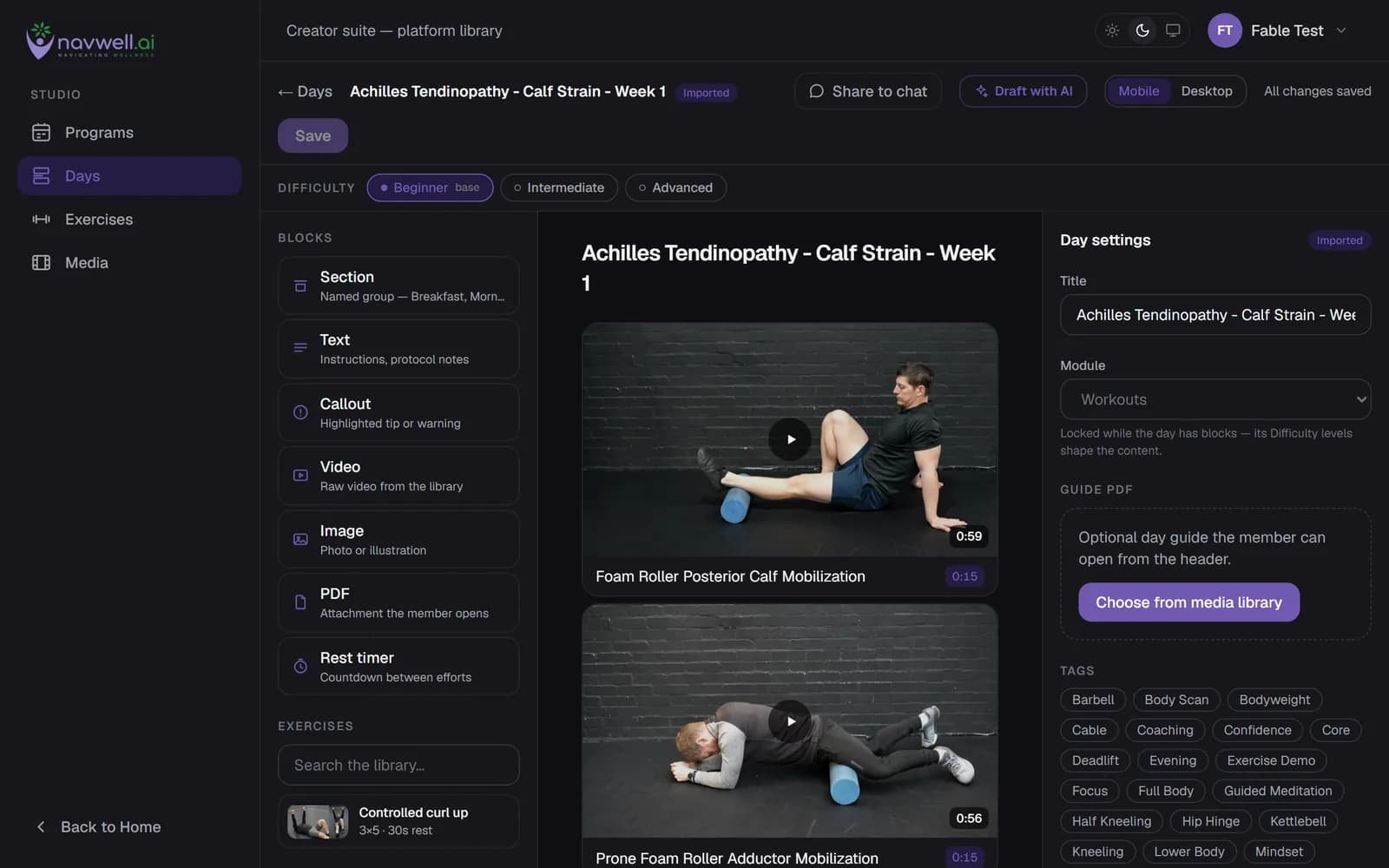
A program is a grid of weeks and days. Each day is a set of exercise, meal and mindfulness blocks arranged in sections, with a prescription — sets, reps, holds, difficulty variants — that you set. Start from the Navwell library, adapt it, or build your own.
The AI Builder drafts a day or a whole program from a brief, using your library; you review every block before anything is published. AI drafts never publish themselves.
Set the exact prescription
The Day Builder shows every block with its prescription in the inspector. Difficulty variants let one program serve a range of patients; per-member overrides let you change a single block for a single person without touching the program.
Your exercise videos, images and PDFs live in one Media Manager, tagged and searchable.
Run challenges and measure before and after
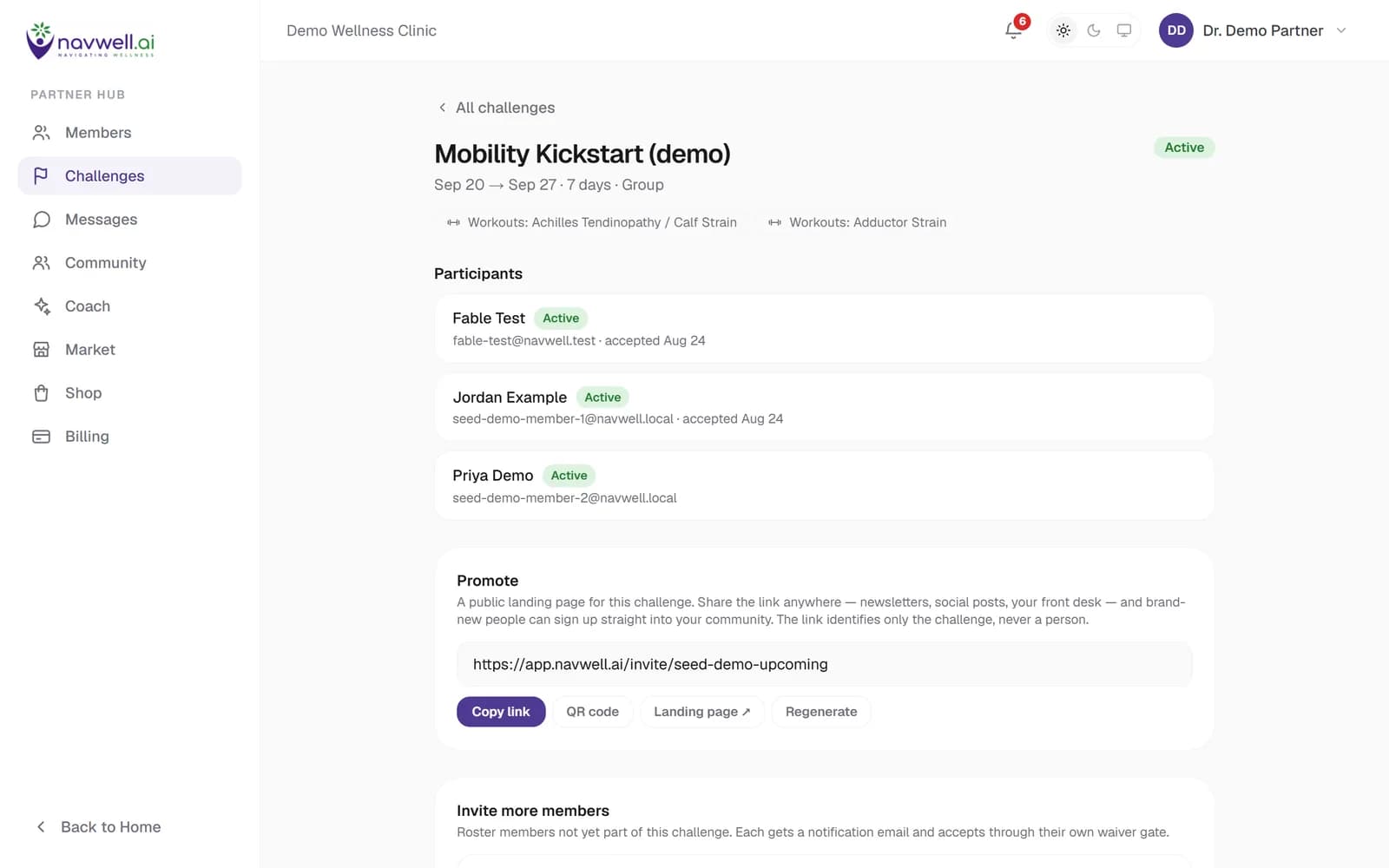
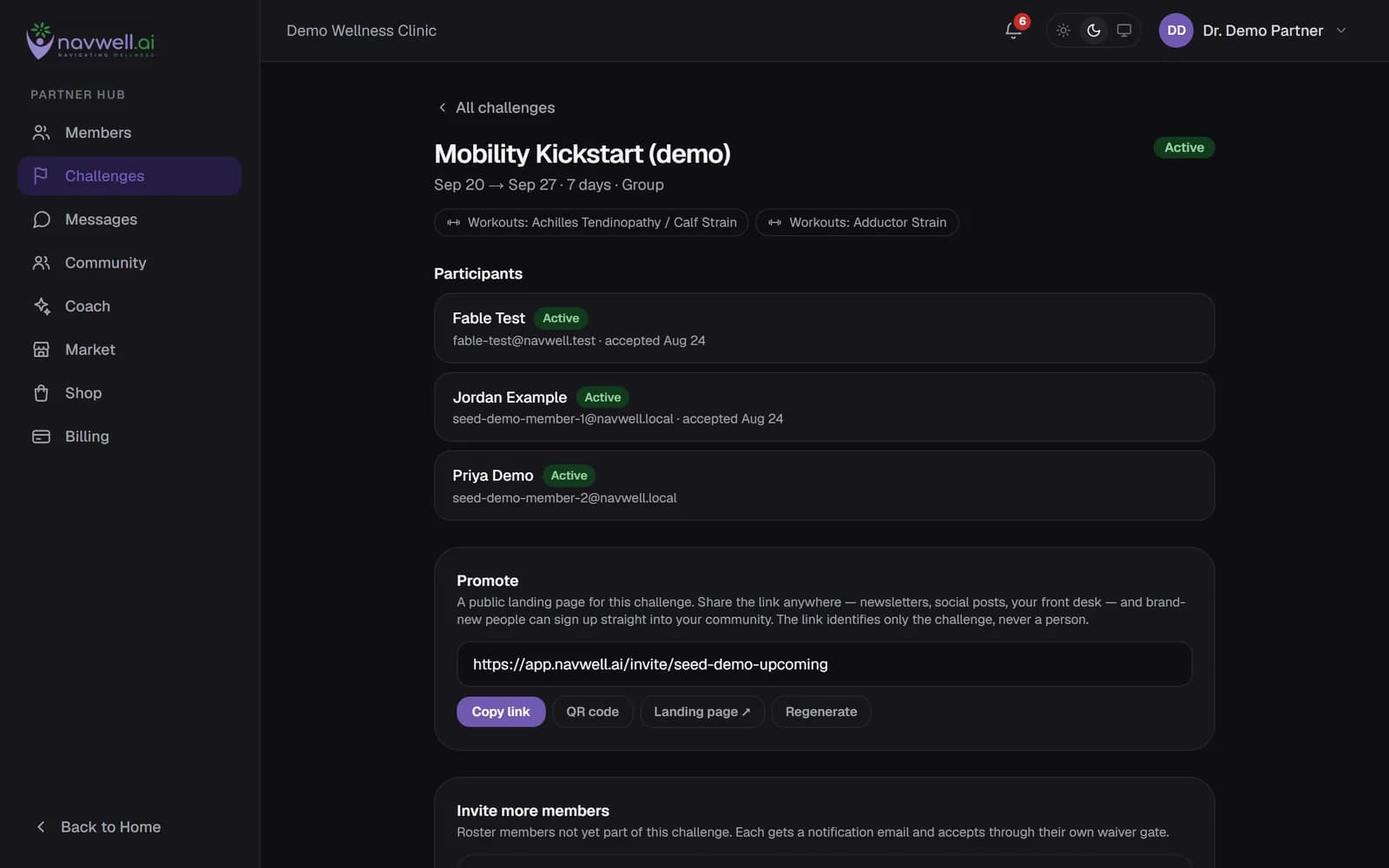
Assign a program as a time-boxed challenge to a group or to one member. Attach a questionnaire as an outcome measure: members answer it at the start and at the end, and every completed challenge carries a result score.
Completion, streaks and adherence are visible per member and per challenge.
Let the AI coach do the daily check-in
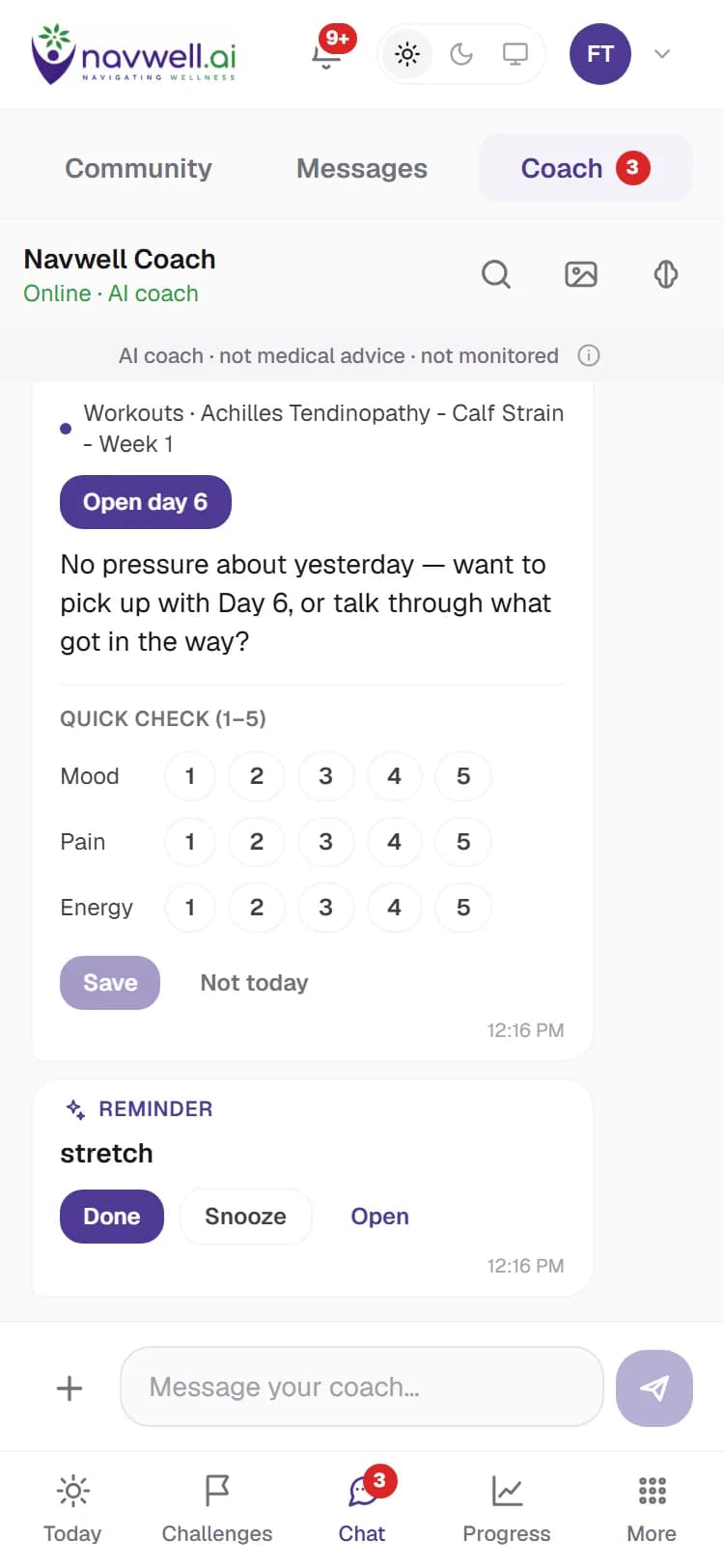
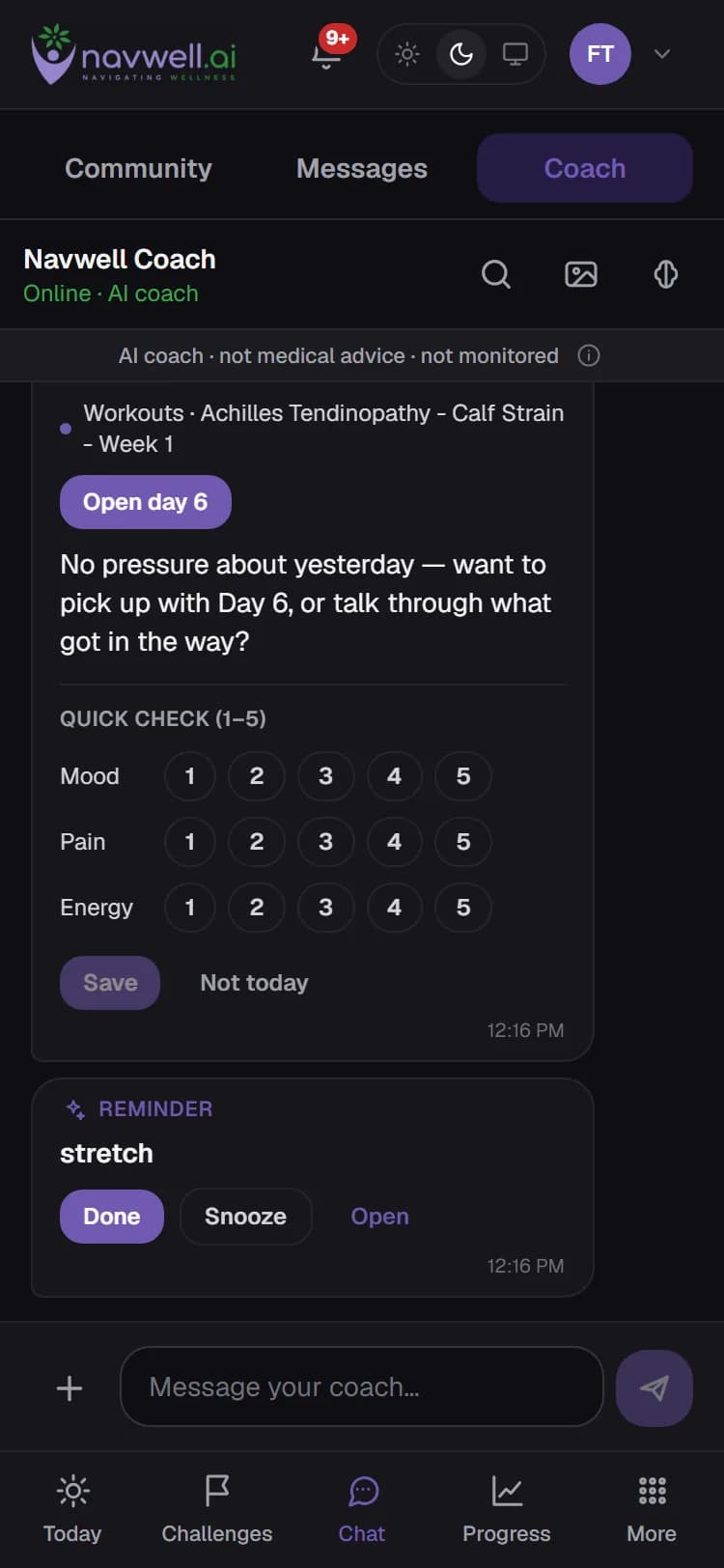
The coach messages each member daily about their featured challenge, aware of what they completed. It answers questions inside the plan you set, logs meals from a photo, sets reminders, and reads voice notes.
It is an AI assistant, not a clinician. When a person should take over it offers a hand-off to you — shared only with the member's consent — and it never diagnoses. You can pause it for your whole community at any time.
See what changed, and stay in touch
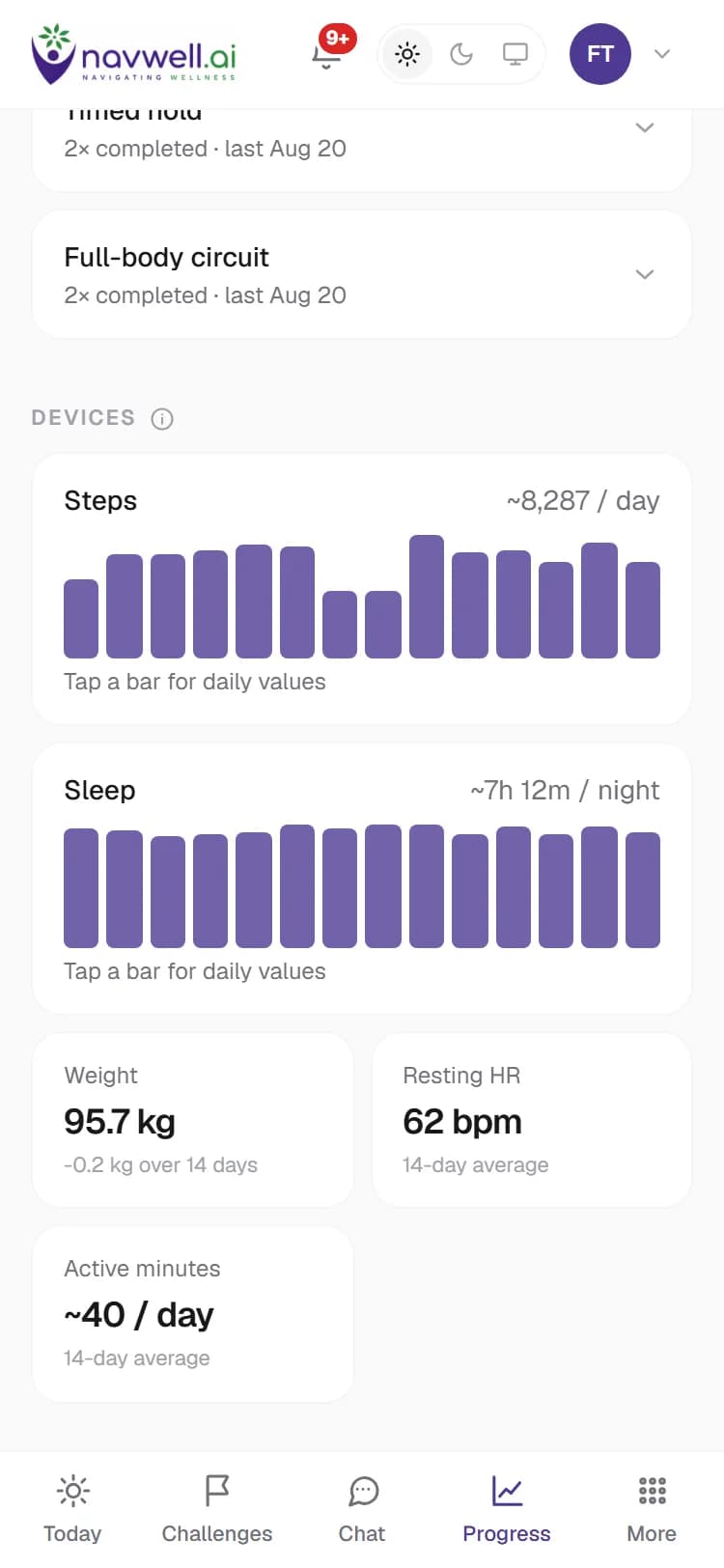
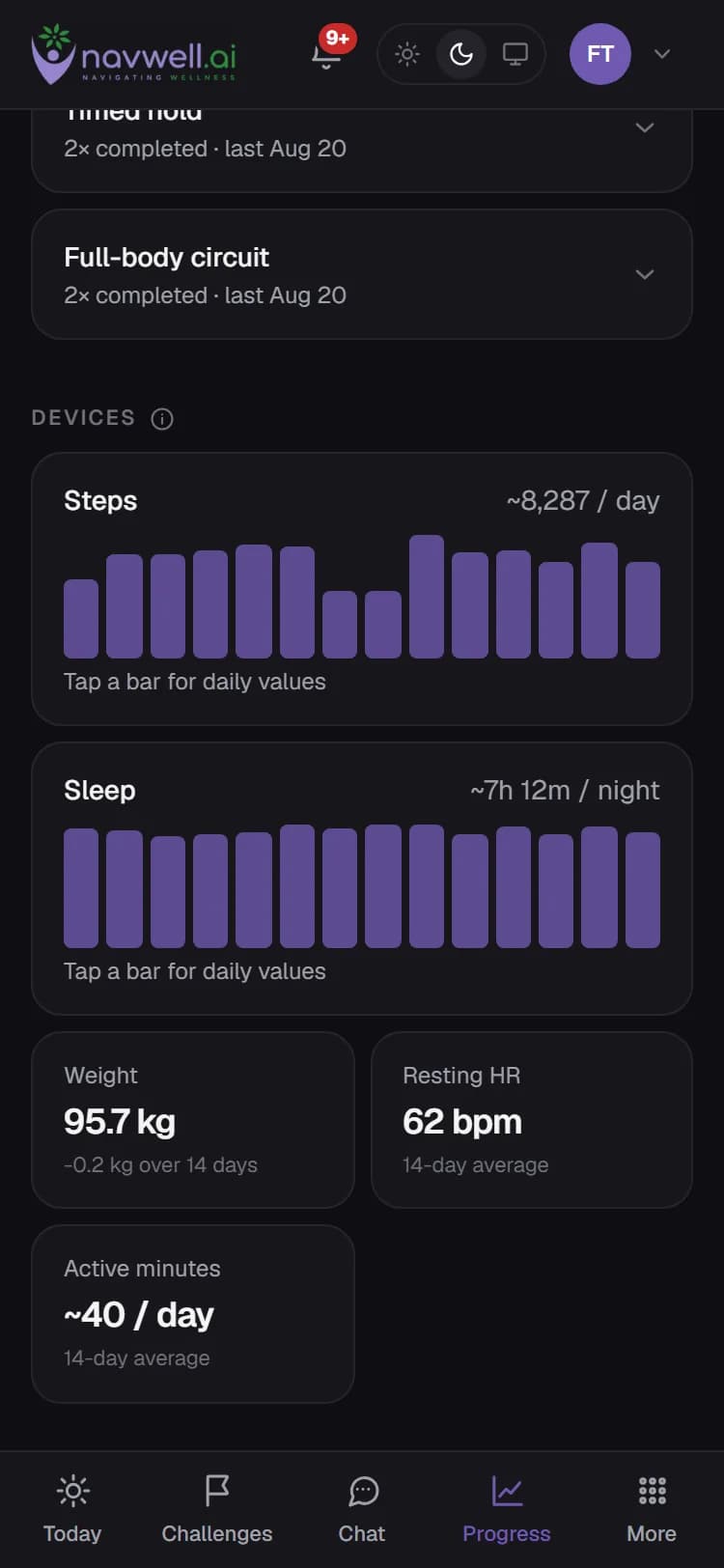
Each member's page shows their challenges, outcome scores, progress and — when they choose to connect a Garmin, Fitbit (Google) or Withings device — steps, sleep, resting heart rate and weight trends.
Group discussion keeps the community talking; private one-to-one messages, with photos and voice notes, keep you reachable.
What you see
The practitioner hub is your side of Navwell. Members see only their own experience.
Per member
- Active and past challenges, with day-by-day completion
- Questionnaire answers and outcome scores, before and after
- Device trends the member has chosen to share
- Your notes, prescription overrides and message history
- Hand-offs from the AI coach, with what the member agreed to share
Across the practice
- Every challenge and its enrolment, completion and results
- Your programs, days and media in the studio
- The coach's settings for your community, including pausing it
- Billing: what you charge members, your payouts, and marketplace and shop earnings
- A shop for products you recommend, with checkout on Navwell or your own link
What members see and control is on Security & privacy.
Available to practices in the United States
Navwell onboards practices in the United States today. If you practise elsewhere, tell us where and we will let you know when your country opens.
Bring your own programs to the demo
We will load one of your programs so you can see it the way a patient will.